I am Seokho Lee, a software developer. I led the development of core products at the Korean companies NextGen and WHOFA, as well as the Silicon Valley company Pulzze Systems.

Since my school years, I have immersed myself in development with passion and a willingness to take on challenges. Because I refused to be outdone in the field I love—software development—I devoted even my leisure time to sharpening my skills.

I believe software has no limits. I see even seemingly impossible problems as opportunities to push beyond my technical limits, and I continue to break through those limits today.

I am a developer who has consistently delivered results in real product development and production environments. With a mindset that places no artificial ceiling on technical possibilities, along with the execution and perseverance to bring products to a polished finish, I will take ownership of the software products entrusted to me, complete them, and prove their value through measurable results.

Education

2022.03 ~ 2025.02 Department of AI Software

Daegu Software Meister High School

Studied software engineering topics including C, Java, data structures, and computer systems, while participating in production service development projects.

  • Selected by both the school and the regional education office as a nominee for the Talent Award of Korea.
  • Selected for the Korean delegation to ISEF 2022 and named a Finalist in the Embedded Systems category.
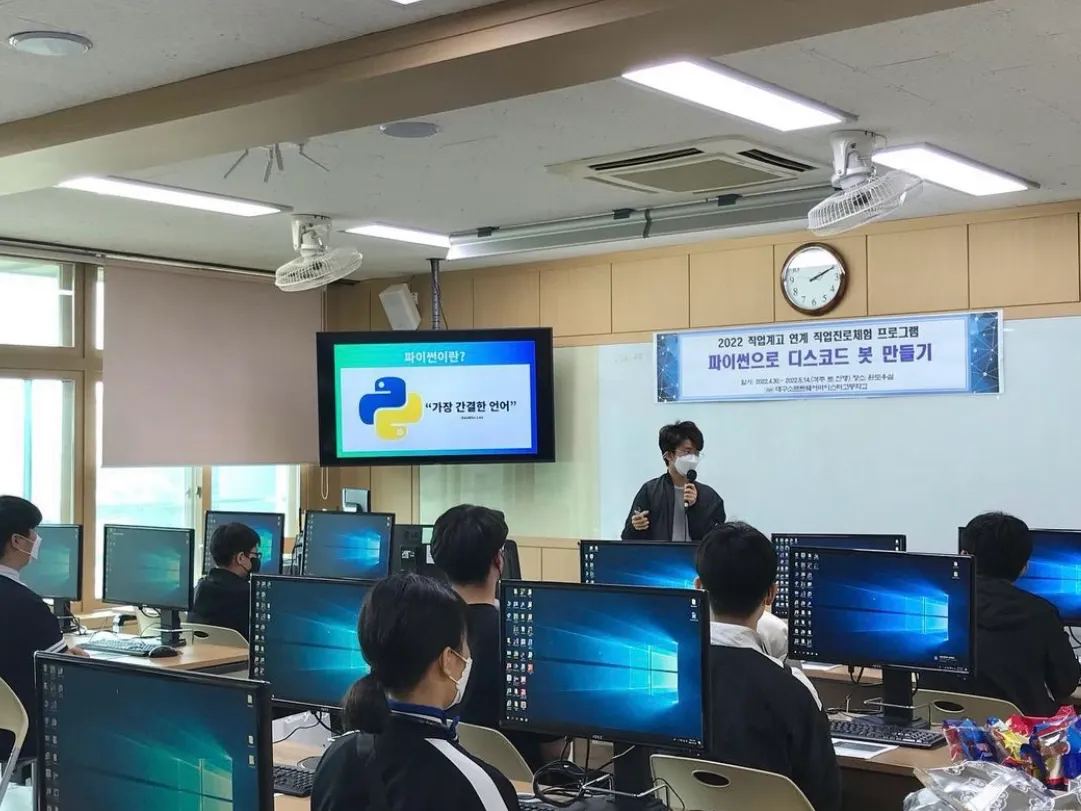
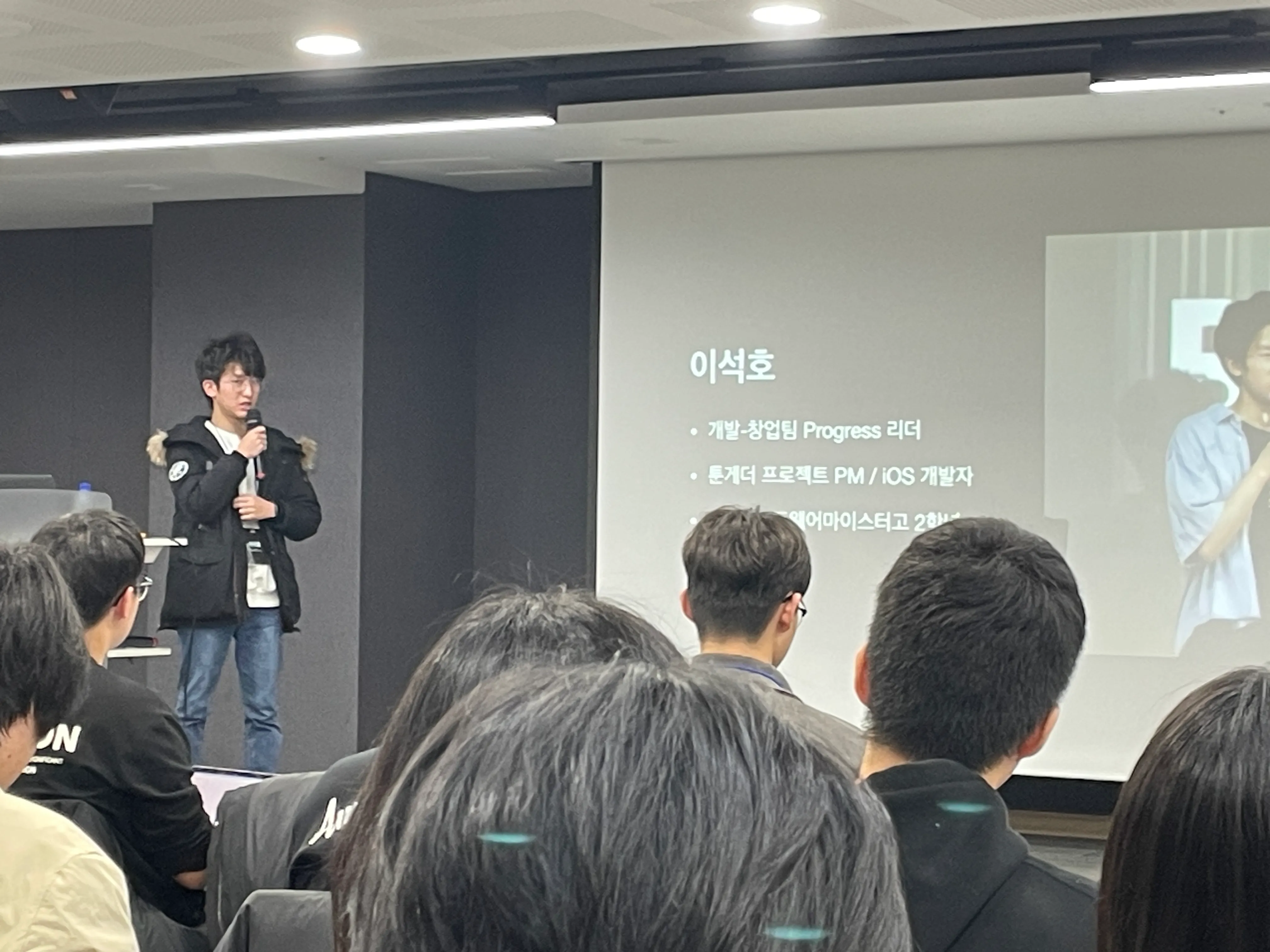
  • Presented iOS development and project experience at school development sessions, including the B1CODE Conference.
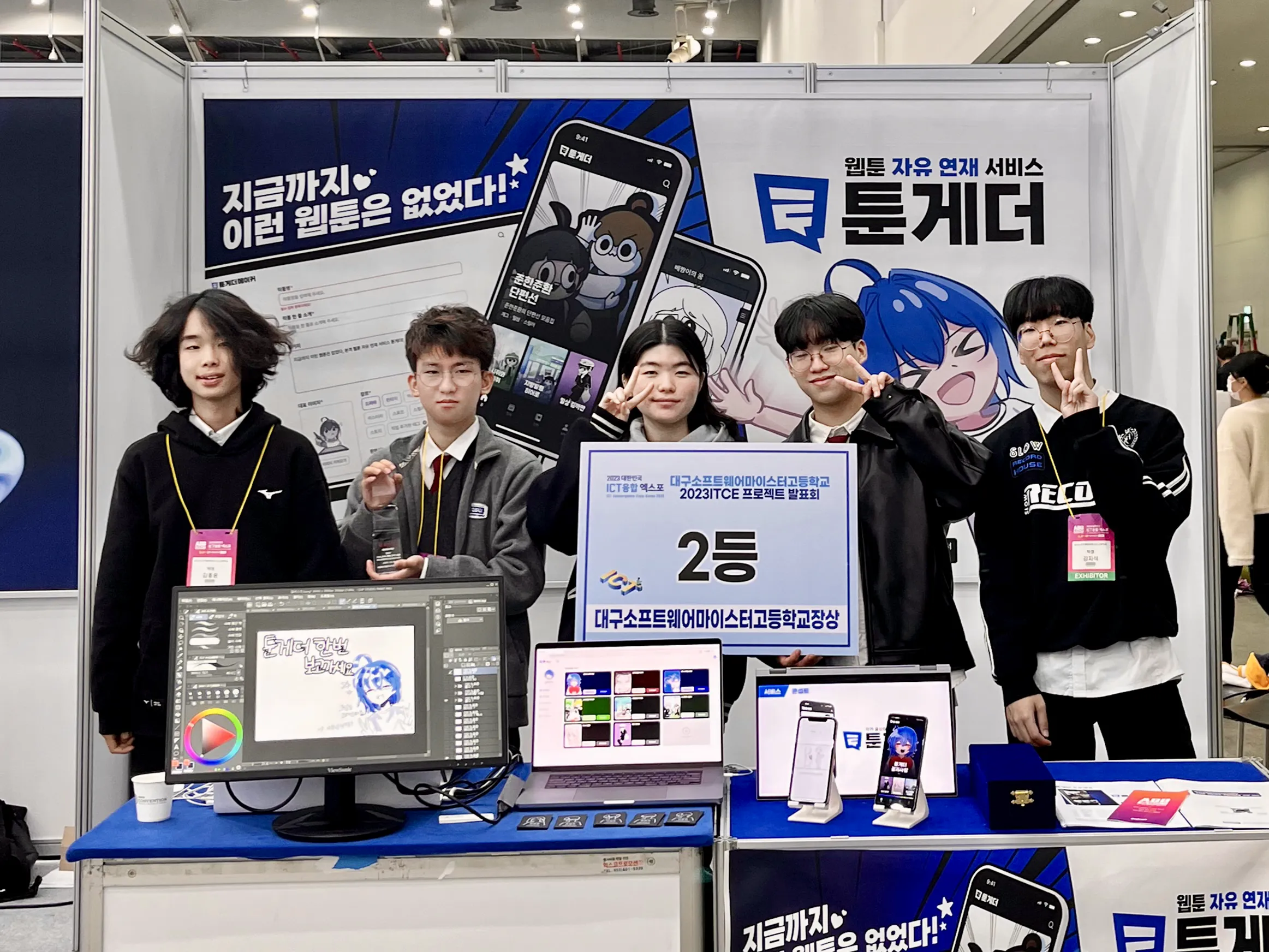
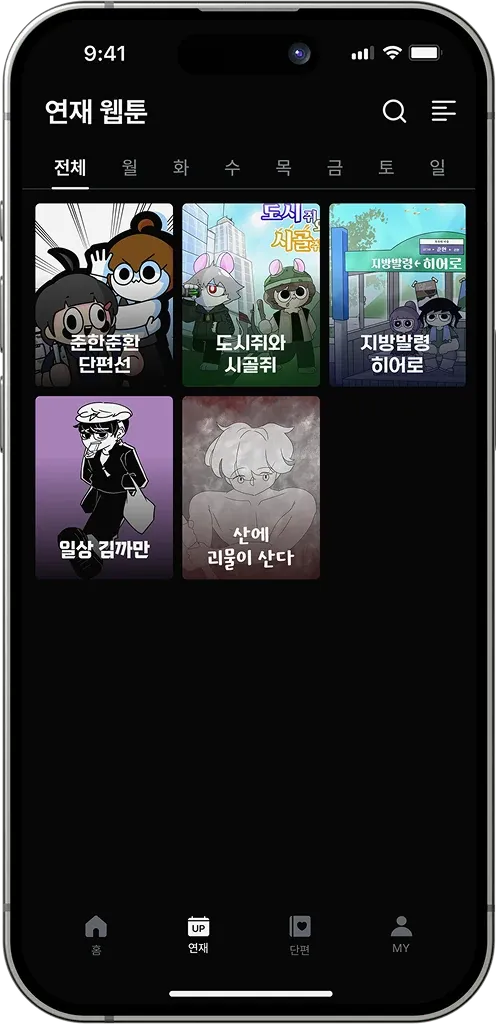
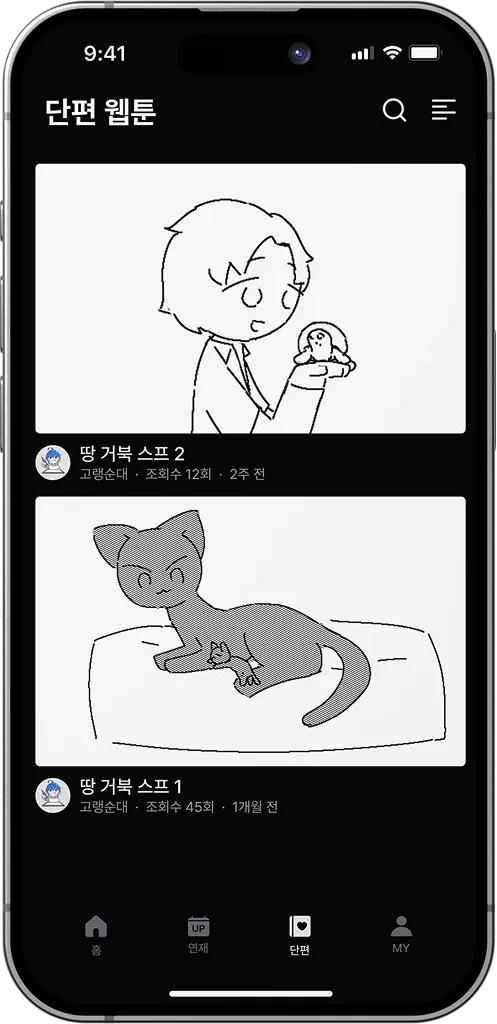
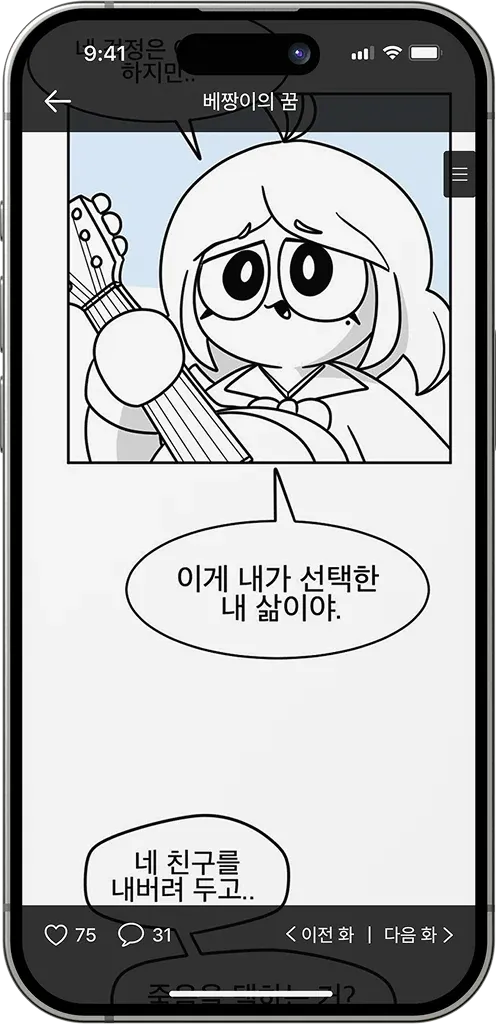
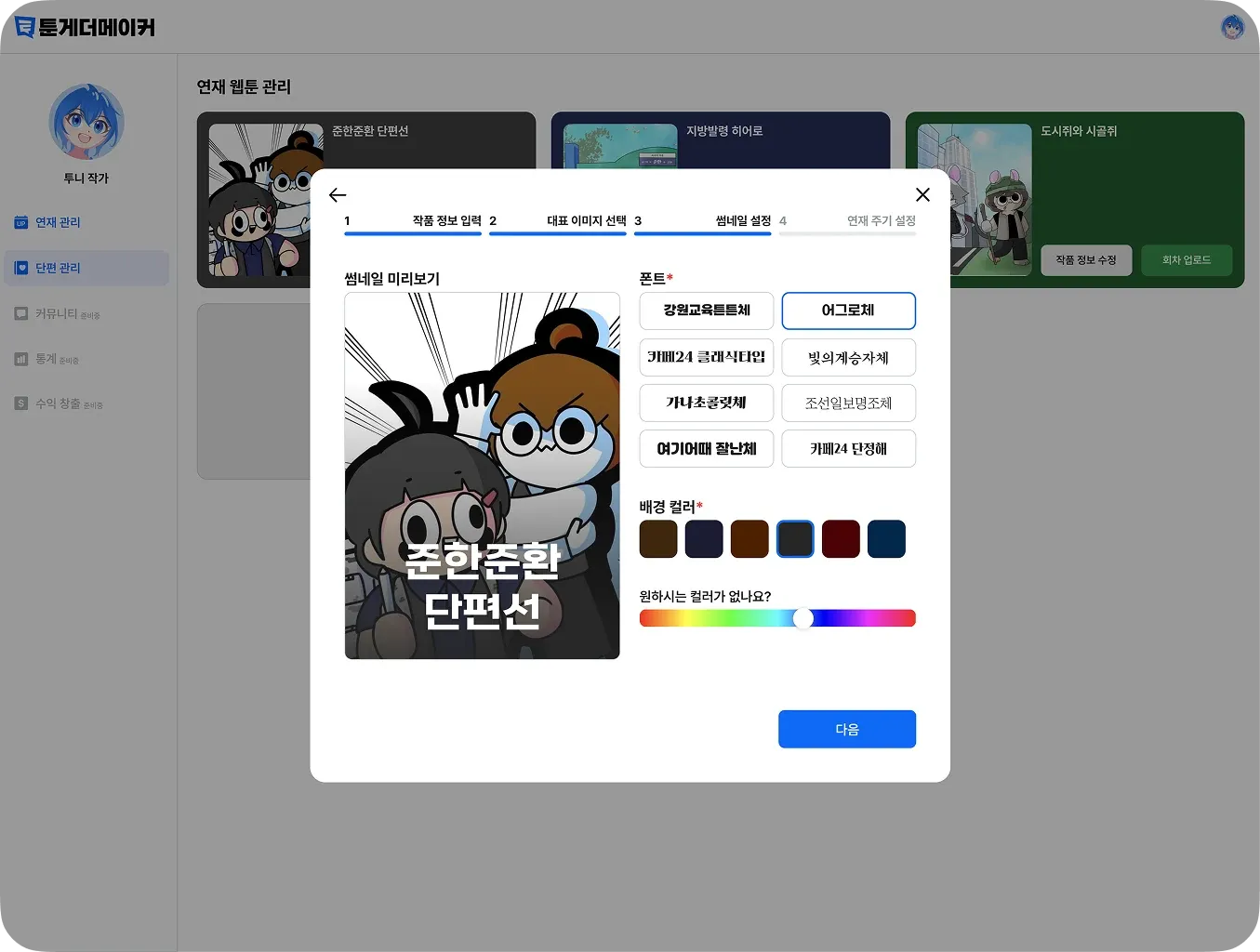
  • Served as the leader of the school service development team Progress, planning, developing, and deploying the Toongether project.
2017.02 ~ 2018.10 Completed Advanced Program

Gifted Institute for Information Technology, Daegu National University of Education

Studied the fundamentals of development through LEGO Mindstorms, C, Python, App Inventor, and related coursework.

  • Advanced to and completed the intensive program after finishing the foundational course.

Experience

2026.03 ~ 2026.04

NextGen

Full-stack Developer

Built the web, API, mobile app, and AWS production environment for NextGen, an academy platform for the next generation of creators, as its sole developer.

  • Organized the Next.js, Fastify, and Expo monorepo architecture and development environment.
  • Designed and implemented the core product flow connecting course access, video protection, payments, user authentication, and production deployment.
  • Connected AWS EC2 and ECR, nginx Blue-Green deployment, Vercel prebuilt deployment, Terraform infrastructure, and GitHub Actions CI/CD.
  • Completed the course platform to a launch-ready standard within approximately one month of development.
  • Recorded a 0% error rate at peak concurrency of roughly 1,000 users.
  • Developed and operated a service with up to approximately KRW 60 million in daily revenue.
  • Documented more than six operational layers—including AWS, Vercel, Cloudflare, EAS, SSM, and Secrets Manager—in a unified deployment guide.
2025.09 ~ 2026.02

WHOFA

Flutter Developer

At WHOFA, developed and maintained new iOS features in Swift and led the application's migration to Flutter.

  • Developed new profile and community features for the iOS app in Swift and maintained existing functionality.
  • Led the migration to Flutter and Riverpod, implementing screen and state architecture, navigation, deep linking, and on-device data integration.
  • Resolved user-facing issues including image downloads, audio attachment crashes, relative-time errors, tab selection defects, and stale state initialization.
  • Led the existing iOS application's migration to Flutter within a four-person product team.
  • Implemented new profile and community features in Swift and maintained the existing iOS application.
  • Brought features to a user-visible level of polish, addressing crashes, navigation, animation, and media edge cases.
2024.06 ~ 2025.02

Pulzze Systems

Software Engineer Intern Sunnyvale, CA / Seoul, Korea

Developed the Connector UI frontend for the SaaS automation product Interactor.

  • Designed and implemented Connector selection, Action and Authentication tests, developer navigation, and Billing screens with Phoenix LiveView and JavaScript.
  • Resolved stale test results and clarified internal error presentation, creating a debugging experience that was easier for Connector developers to use.
  • Authored and reorganized data-type description files for Connector families including Google, Slack, Salesforce, Notion, HubSpot, Jira, Mailchimp, and Microsoft.
  • Experienced the end-to-end development workflow of a production SaaS product while working from both Sunnyvale and the Seoul office.
  • Worked with Connector data-type description structures across more than eight service families.
  • Improved at least four core administration surfaces, including Authentication tests, Action tests, Connector selection, and Billing.

Awards

10th Highthon

Excellence Award

SK Smarteen App+ Challenge

Excellence Award

Fun Hackathon Weekend in Silicon Valley

3rd Place

Apple WWDC Swift Student Challenge

Winner

9th Highthon

Inflearn Special Award

School Algorithm Competition

Silver Prize

SK Smarteen App+ Challenge

Top Excellence Award

Software Meister High Schools Joint Hackathon

AWS Corporate Award

School Summer Software Hackathon

Grand Prize

Microsoft Hackers Ground

Top Excellence Award

Apple WWDC Swift Student Challenge

Winner

School Winter Software Hackathon

Grand Prize

Global Innovator Festa Rookie League

Gold Prize

Samsung Junior Software Creation Contest

Mutual Growth Award

Daegu National Science Museum Software Convergence Hackathon

Top Excellence Award

Daegu Metropolitan City ICT Creativity Competition

Bronze Prize

3rd Korea Code Fair Software Competition

Silver Prize

Daegu National University of Education C Programming Competition

Excellence Award

Projects

Company Projects

4 projects

NextGen

An academy platform for developing the next generation of creators

2026.03 ~ 2026.04 NextGen Corporation

Overview

NextGen is an academy platform for developing the next generation of creators. It manages web, API, and mobile applications in one monorepo and includes the production architecture required for payments, video, email, SMS, file uploads, and deployment.

The course platform had to launch as a revenue-generating production service within about one month while meeting DRM requirements. I was responsible for the implementation and operational readiness needed to launch it on schedule.

The documented architecture includes a Next.js web application, Fastify API, Expo mobile app, PostgreSQL and Redis, S3 and CloudFront, Mux, TossPayments, Resend, Naver SENS, Terraform, GitHub Actions, Vercel, and AWS EC2/ECR deployment.

My Role

  • Organized the Next.js, Fastify, and Expo monorepo architecture and development environment.
  • Built a Turborepo workflow connecting the API, web, mobile, and shared packages.
  • Designed and implemented the core product flow connecting course access, video protection, payment, user authentication, and production deployment.
  • Connected AWS EC2/ECR, nginx Blue-Green deployment, Vercel prebuilt deployment, Terraform infrastructure, and GitHub Actions CI/CD.
  • Documented development and production environment variables, SSM Parameter Store, Secrets Manager, RDS, and S3/CloudFront synchronization.
Problems and Solutions

Problem

When web, mobile, API, and infrastructure evolve together, the source of truth for development and deployment can easily become unclear.

Solution

Separated the roles of environment-specific .env files, SSM Parameter Store, EAS profiles, Vercel environment variables, and AWS Secrets Manager, then documented operational procedures in the README.

Problem

A stale CI run that succeeds late, or a failed migration during deployment, can damage the production environment.

Solution

Added branch-specific deployment workflows, concurrency control, latest-change validation, migration-job blocking, and a Blue-Green cutover process to improve deployment safety.

Problem

DRM, course authorization, post-payment access, and peak-traffic handling all had to be completed within a short development schedule.

Solution

Validated enrollment flow, video protection, payment state, and deployment reliability as separate concerns, prioritizing the areas most likely to fail before and after launch.

Quantified Results

  • Completed the course platform to a launch-ready standard within approximately one month of development.
  • Recorded a 0% error rate at peak concurrency of roughly 1,000 users.
  • Developed and operated a service with up to approximately KRW 60 million in daily revenue.
  • Organized three applications—web, API, and mobile—along with five shared packages for types, utilities, API clients, authentication, and configuration.
  • Designed GitHub Actions workflows for CI, development deployment, production deployment, iOS TestFlight, and iOS App Store candidate releases.
  • Consolidated more than six operational layers—including AWS, Vercel, Cloudflare, EAS, SSM, and Secrets Manager—into one deployment guide.

BL Agent

A desktop app that extracts key data from B/L PDFs and saves it into an existing XLS template for freight-forwarding work

2026.06 ~

Overview

BL Agent is a desktop application for freight-forwarding operations that extracts key information from B/L PDF documents, supports human review, and saves the results into an existing .xls template. A React interface and Tauri/Rust backend package document intake, extraction status, review, and XLS export into one operational tool.

Rather than building a simple OCR demonstration, I focused on deliverable production quality, including model configuration, extraction status, cancellation and restart behavior, and Windows installer packaging.

My Role

  • Rebranded the existing BL Reader product as BL Agent and aligned application metadata, release artifacts, documentation, and persisted storage keys.
  • Designed the PDF-processing, field-review, result-storage, and XLS-export workflows.
  • Directly resolved desktop distribution issues involving Tauri v2 permissions, Windows NSIS installers, and macOS application bundles.
  • Wrote clear Korean operational copy and separated workflow states such as processing, review, and save so users could understand the tool immediately.

Problems and Solutions

Problem

When cancellation remains in a "request pending" state for too long, users lose confidence in an operational tool.

Solution

Prioritized immediate cancellation feedback and separated runtime state from persisted extraction history, clearing the visible document queue on restart without deleting per-document records.

Problem

Under Tauri v2, a native permission issue prevented the window's close button from terminating the application.

Solution

Traced the behavior beyond the close handler into the capability manifest and added the core:window:allow-destroy permission.

Problem

Details such as installer names, icons, Korean setup UI, and NSIS image warnings all affected the perceived quality of the Windows release.

Solution

Refined the release workflow and Tauri bundle configuration so a single Windows installer and consistent branded assets were produced reliably.

Quantified Results

  • The application currently performs work equivalent to the workload previously handled by six employees at the client company.
  • Verified macOS application bundles and Windows installer artifacts across the 1.0.x release line.
  • Operated a validation workflow covering both the React/TypeScript frontend and Rust/Tauri backend.
  • Resolved multiple release-blocking issues involving SQLite identifier policy, extraction-state synchronization, window-close permissions, and NSIS packaging.

WHOFA

A fan-and-artist service where I developed iOS features in Swift and led the migration to Flutter

2025.09 ~ 2026.02 WHOFA Inc.

Overview

WHOFA is a service connecting fans and artists. I developed new profile and community features for its iOS app in Swift, maintained existing functionality, and later led the migration to Flutter. The product includes authentication, community, Preplay, profiles, rewards, notifications, and media processing.

At WHOFA, I owned work from iOS feature development through the Flutter migration, while treating navigation, media interaction, and community usability as product-quality concerns.

My Role

  • Developed new profile and community features in Swift and maintained the existing iOS application.
  • Led the existing iOS application's migration to Flutter and Riverpod, implementing its screen and state architecture.
  • Worked across Preplay detail, iOS-style navigation, deep linking, on-device databases, and media processing.
  • Resolved user-facing issues including image downloads, audio attachment crashes, relative-time errors, tab selection defects, and stale state initialization.
  • Improved platform-specific UI details including iOS blur, refresh indicators, and Hero animations.
  • Brought features to a user-visible level of polish, addressing crashes, navigation, animation, and media edge cases rather than stopping at basic feature completion.

Problems and Solutions

Problem

Maintaining Swift-based iOS features while migrating to Flutter widened the change surface across screen state, deep links, on-device data, and media processing.

Solution

Led the migration by defining Riverpod providers and feature-oriented screen structures, then separated the on-device database, network mappers, and media preprocessor to reduce the scope of changes.

Problem

iOS-style navigation and Hero animations sometimes conflicted with Flutter defaults and the product's desired interaction model.

Solution

Adjusted the application router and transition architecture, then improved temporary Hero handling, blur, and refresh behavior incrementally.

Quantified Results

  • Led the existing iOS application's migration to Flutter within a four-person product team.
  • Implemented new profile and community features in Swift and maintained the existing iOS application.
  • Handled multiple operational user touchpoints—including authentication, community, media, notifications, and rewards—within one production product.

Interactor

Connector UI frontend development and data-type description cleanup for a SaaS automation product

2024.06 ~ 2025.02 Pulzze Systems, Inc.

Overview

Interactor is a product for building automated workflows by connecting Connectors for multiple SaaS services. While interning at the Silicon Valley company Pulzze Systems, I developed the Connector UI frontend and improved its test screens and data-type description files.

During the internship, I worked for two months in Sunnyvale and three months at the Seoul office.

My Role

  • Improved frequently used interfaces including Connector selection, Action and Authentication tests, developer navigation, and Billing screens.
  • Addressed cases where test results did not refresh and internal errors were not clearly exposed, improving the debugging experience.
  • Authored and reorganized data-type description files for Connector families including Google, Slack, Salesforce, Notion, HubSpot, Jira, Mailchimp, and Microsoft.
  • Supported the Connector development experience through work such as adding a FormData dependency and improving README documentation.
  • Focused on reducing friction in testing and selection flows so both Connector developers and users operating the automation product could navigate the system more confidently.

Problems and Solutions

Problem

Connector developers struggled to debug because test results did not always update immediately and failure causes were unclear.

Solution

Split the Test panel into components and improved both result presentation and internal error handling.

Problem

Inconsistent data-type descriptions across services made documentation and UI labels harder to keep consistent when a Connector was added.

Solution

Standardized data-type description files for services including Gmail, Google Calendar, Google Drive, Google Sheets, Slack, Salesforce, Notion, and HubSpot.

Quantified Results

  • Worked with data-type descriptions across more than eight service families, including Google, Slack, Salesforce, Notion, HubSpot, Jira, Mailchimp, and Microsoft.
  • Improved at least four core administration surfaces: Authentication tests, Action tests, Connector selection, and Billing.
  • Experienced the development workflow of a production SaaS product over a total of five months in Sunnyvale and Seoul.

Team Projects

4 projects

Toongether

An open webtoon publishing service that reduces creators' dependence on major platforms

Toongether screenshot 1
Toongether screenshot 2
Toongether screenshot 3
Toongether screenshot 4
Toongether screenshot 5

Overview

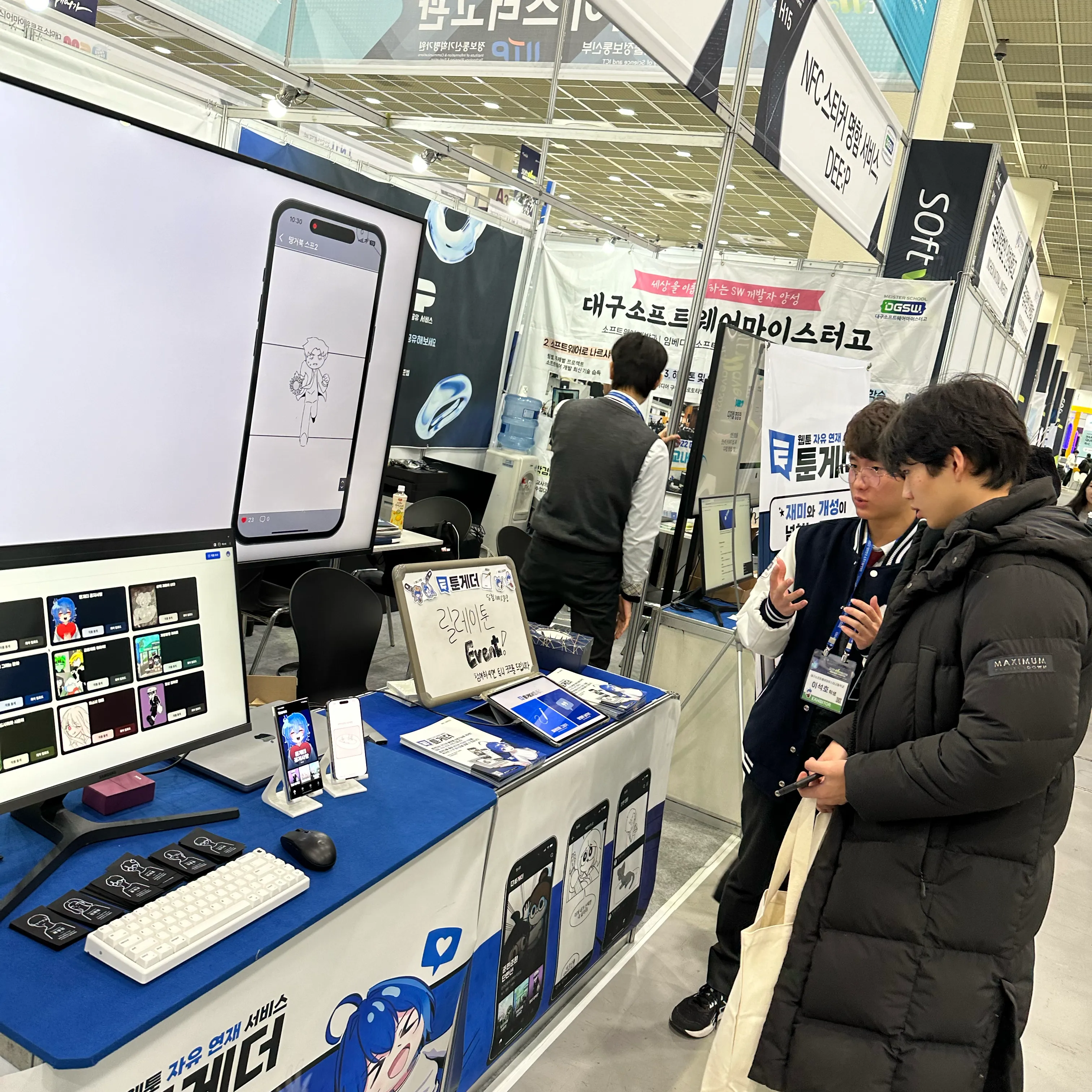
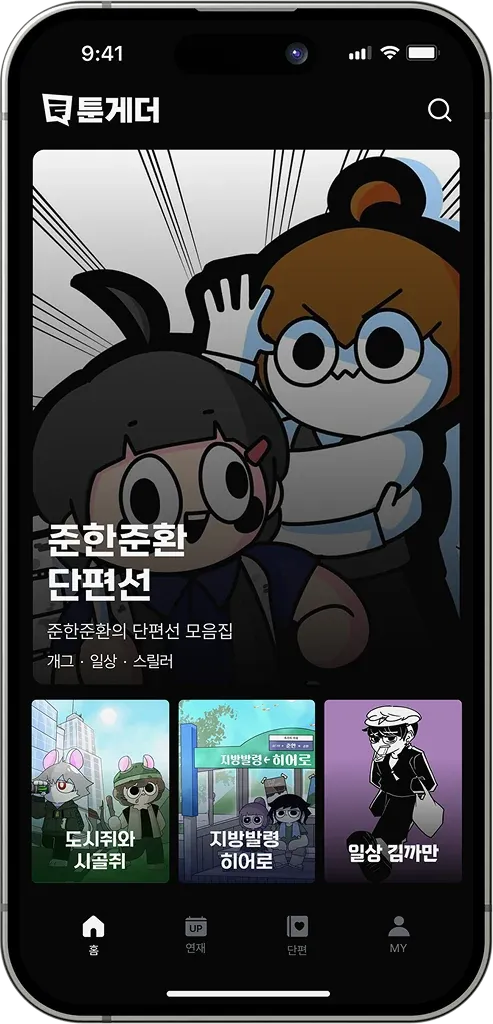
Toongether is a web and mobile platform that lets webtoon creators publish freely without complex contract procedures. It aimed to provide creators with publishing opportunities and an automated release environment, while giving readers convenient discovery and reading experiences across a broad range of genres.

The team consisted of one iOS developer, one Android developer, two web developers, and two server developers.

My Role

  • Developed and released the iOS application.
  • Created FlowKit, a push/pop-based navigation library designed for use with TCA.
  • Led product direction, planning, design, development, deployment, and marketing as team leader and PM.
  • Conducted tests and interviews with webtoon creators, the product's primary users, and incorporated their feedback into the product.

Problems and Solutions

Problem

The discovery screen needed to let readers scroll quickly while still understanding covers and episode information naturally.

Solution

Implemented a custom scrollbar with SwiftUI GeometryReader and DragGesture, then refined the browsing flow around mobile reading behavior.

Problem

Serving as both PM and iOS developer required simultaneous control of product direction and implementation speed.

Solution

Combined creator interviews, reader feedback, competition milestones, and release schedules into one priority system for coordinating team scope.

Quantified Results

  • Received the Top Excellence Award at the SK Smarteen App+ Challenge 2023.
  • Incorporated feedback from approximately 300 readers and around ten creators.
  • Served as leader and PM for a six-person team spanning iOS, Android, web, and server development.
  • Extracted FlowKit into a standalone Swift Package so it could be reused beyond Toongether.

DodamDodam

An in-school smart service that makes daily school life more convenient for students and teachers

2023.03 ~ 2024.04 B1ND
DodamDodam screenshot 1
DodamDodam screenshot 2
DodamDodam screenshot 3
DodamDodam screenshot 4
DodamDodam screenshot 5

Overview

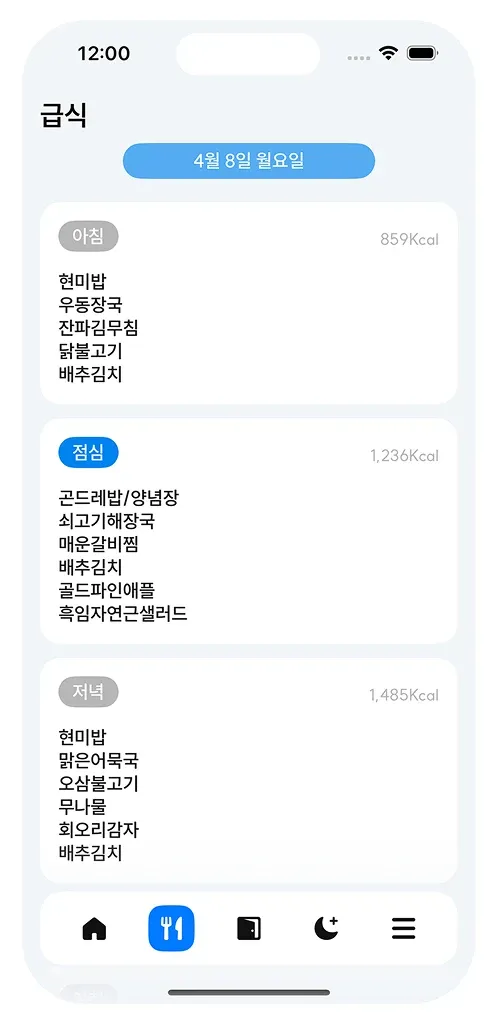
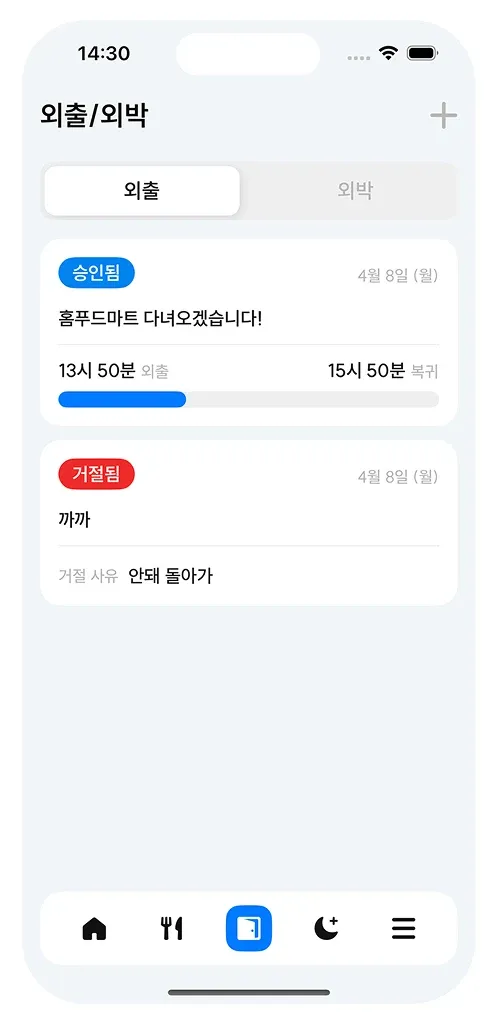
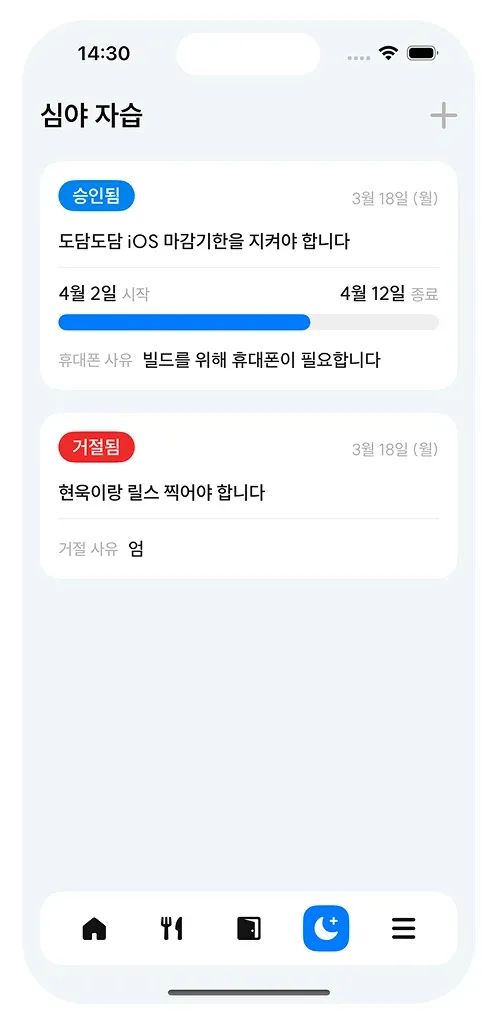
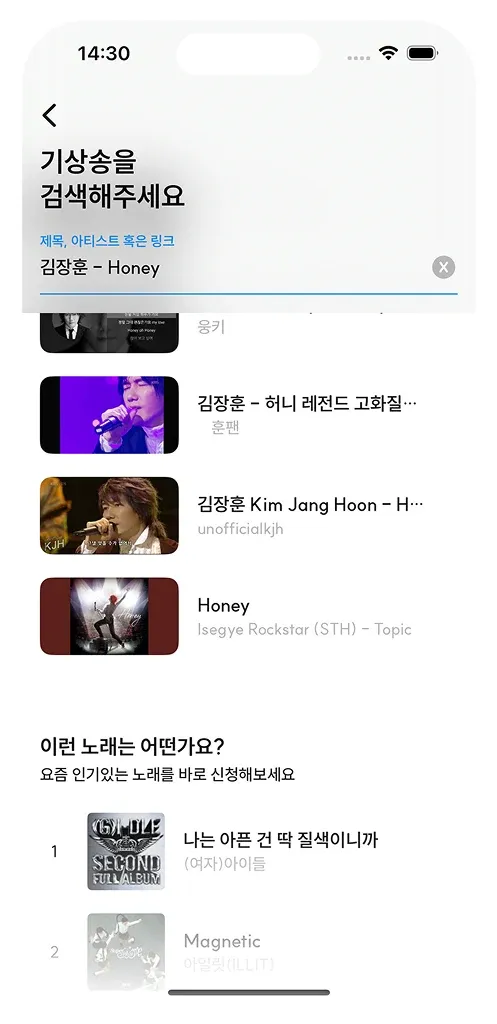
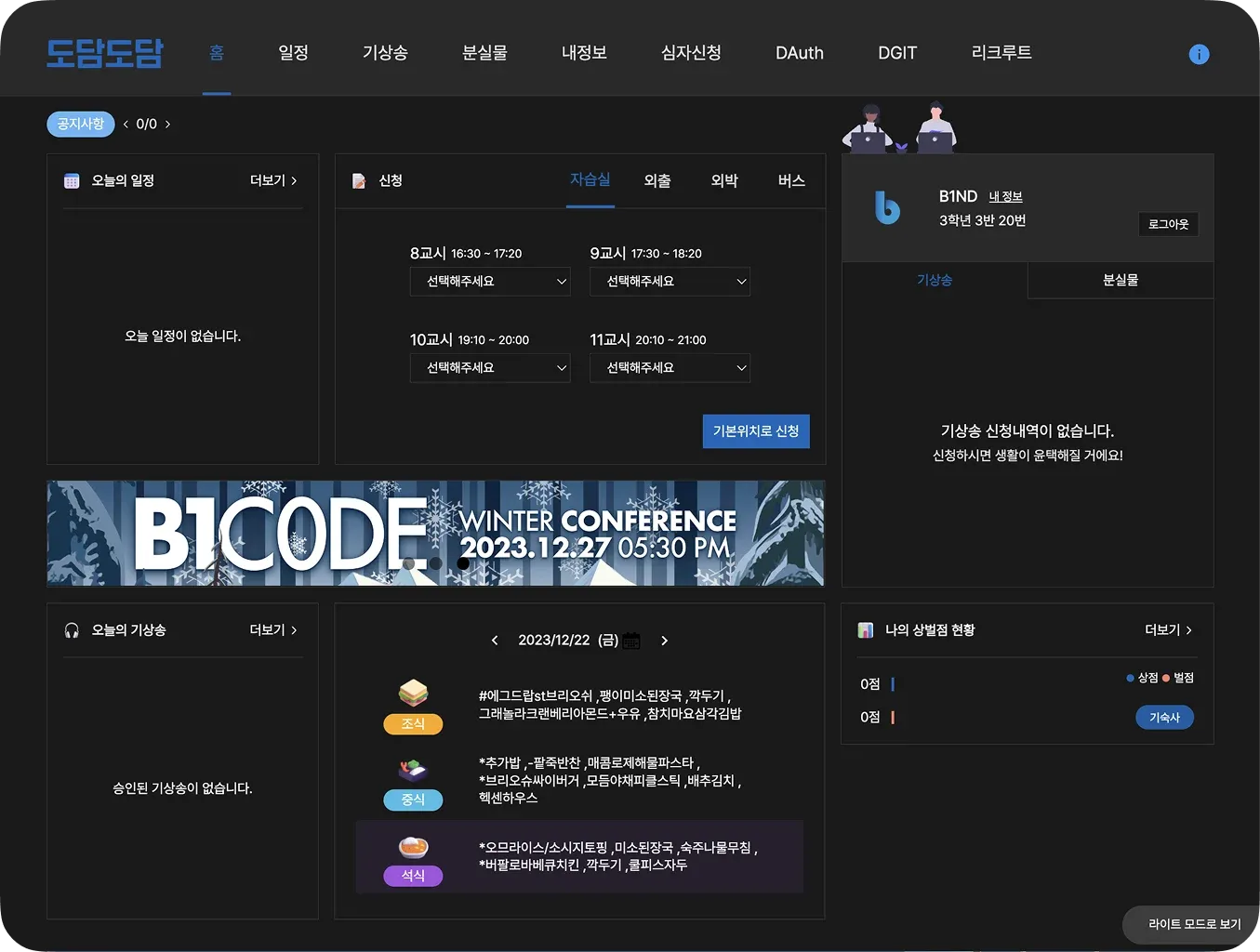
DodamDodam is a smart-school service that makes daily life more convenient for students and teachers at Daegu Software Meister High School. It moved offline administrative and student-life processes onto the web and mobile apps, including meal information, leave and overnight requests, merit and demerit points, wake-up-song requests, and late-night self-study.

The team consisted of five iOS developers, five Android developers, six web developers, and four server developers.

My Role

  • Developed and released the DodamDodam iOS application.
  • Maintained the app for approximately one year and shipped ten versions, including late-night self-study and a meal-information widget.
  • Collaborated with the Android Chapter to align the design of the two mobile applications.
  • Led project management, meetings, documentation, and coordination across development chapters as PM.

Problems and Solutions

Problem

Because students and staff used the service every day, even a small defect could disrupt real school routines.

Solution

Repeatedly verified user flows before release and prioritized stability and UX consistency throughout the maintenance period.

Problem

When iOS and Android are developed independently, the same feature can feel inconsistent across platforms.

Solution

Worked with the Android Chapter to align the mobile design language and screen structures, while initiating a design system to reduce future maintenance cost.

Quantified Results

  • Contributed to a service used every day by approximately 200 students and 34 staff members.
  • Released ten iOS versions during one year of maintenance.
  • Served as PM in a multidisciplinary team of five iOS, five Android, six web, and four server developers.
  • Chose to publish source code in order to support the development skills of other students at the school.

Love & Code

A visual novel game about new developers' first collaborative project experience

Love & Code screenshot 1
Love & Code screenshot 2

Overview

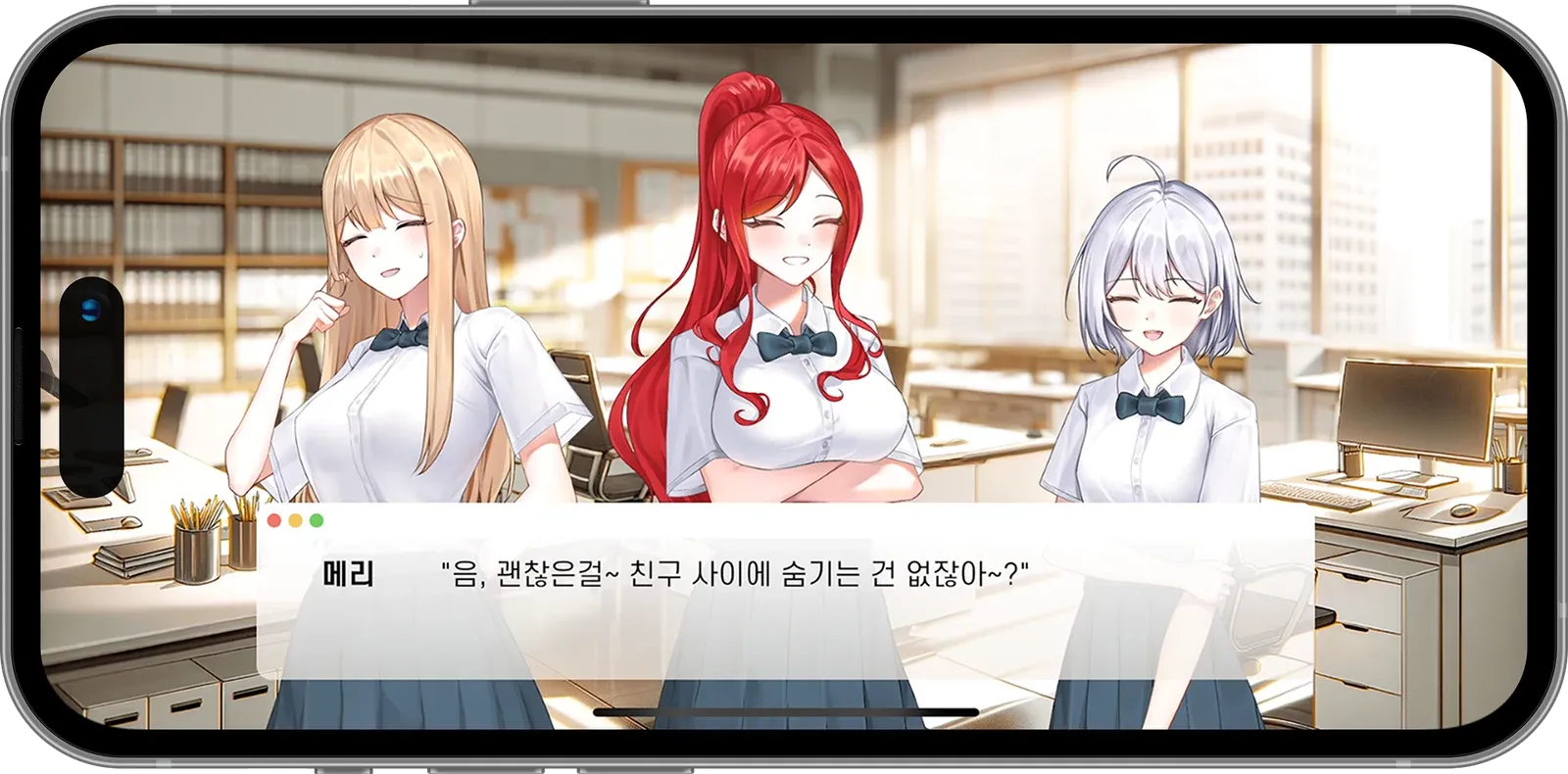
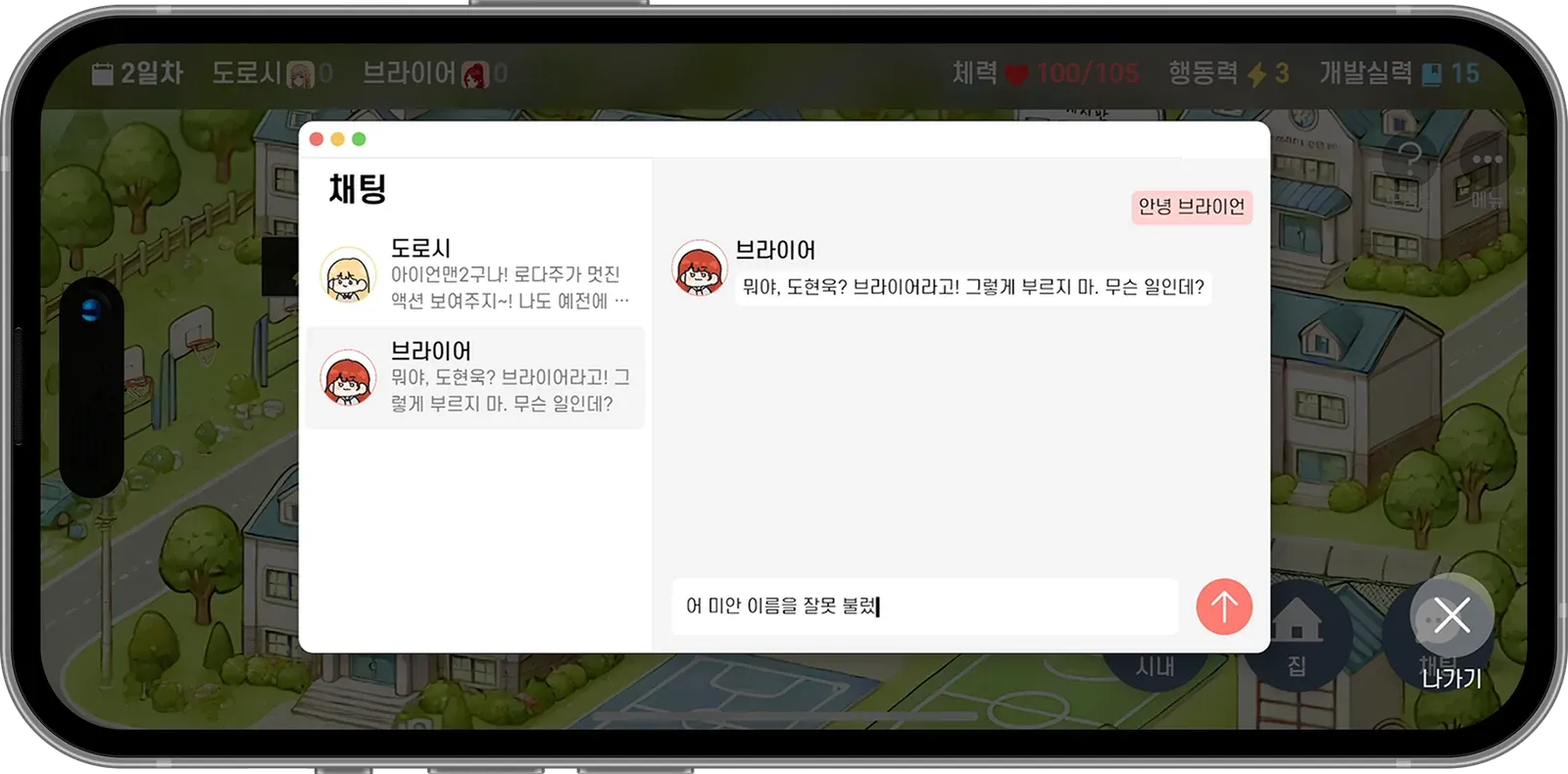
Love & Code is a visual novel game that presents the first collaborative project experience of new developers in an approachable, entertaining form. Drawing on the real experiences of Software Meister High School students and aspiring developers, it combines a realistic story with AI chats built around each character's persona.

The team consisted of three developers and two illustrators.

My Role

  • Led the migration to Flutter so Android, iOS, and desktop versions could be developed from one codebase.
  • Designed the custom Story format and library for expressing visual-novel scenarios.
  • Designed and developed character-persona AI chat using GPT-4o mini and Ktor.
  • Led team management, planning, design, development, beta testing, and marketing as PM.

Problems and Solutions

Problem

The project began with Kotlin Multiplatform and Compose Multiplatform, but stabilizing a game UI and multiplatform release process quickly was difficult.

Solution

Migrated to Flutter, managing Android, iOS, and desktop from one codebase and accelerating game-screen implementation.

Problem

Differentiating the product from a conventional visual novel required direct interaction between the player and its characters.

Solution

Added persona-based AI chat that reflects character personality and story progress, creating immersive conversations beyond predetermined dialogue.

Quantified Results

  • Received the Excellence Award at the SK Smarteen App+ Challenge 2024.
  • Simultaneously served as PM and a core client developer in a team of three developers and two illustrators.
  • Consolidated the initial KMP and Compose architecture into a Flutter codebase spanning Android, iOS, and desktop.
  • Implemented interaction beyond a conventional visual novel through the Story format and AI chat capability.

Allermi

A service that helps users make safer food choices based on their allergy information

Overview

Allermi helps users identify risks while choosing food by comparing products with their allergy information. The goal was to make food ingredients and allergens understandable even to people who were not already familiar with allergy terminology.

The Allermi Project organization contains separate iOS, Android, and Server repositories, and the project received the Mutual Growth Award at the Samsung Junior Software Creation Contest 2022.

My Role

  • Contributed to iOS development, implementing the flow for users to review and manage allergy information.
  • Designed mobile screen structures and information presentation for quick risk assessment.
  • Coordinated API and interface requirements with the server and Android teams, gaining experience with a multi-platform team architecture.

Problems and Solutions

Problem

Allergy information is directly connected to user health, so the product could not communicate risk with the ambiguity of a generic recommendation app.

Solution

Designed the interface to present risk clearly based on both the user's allergy settings and the product's ingredient information.

Problem

A hackathon and competition project must complete problem definition, implementation, and presentation materials within a short period.

Solution

Separated iOS, Android, and Server repositories and assigned ownership clearly so the team could work in parallel.

Quantified Results

Personal Projects

7 projects

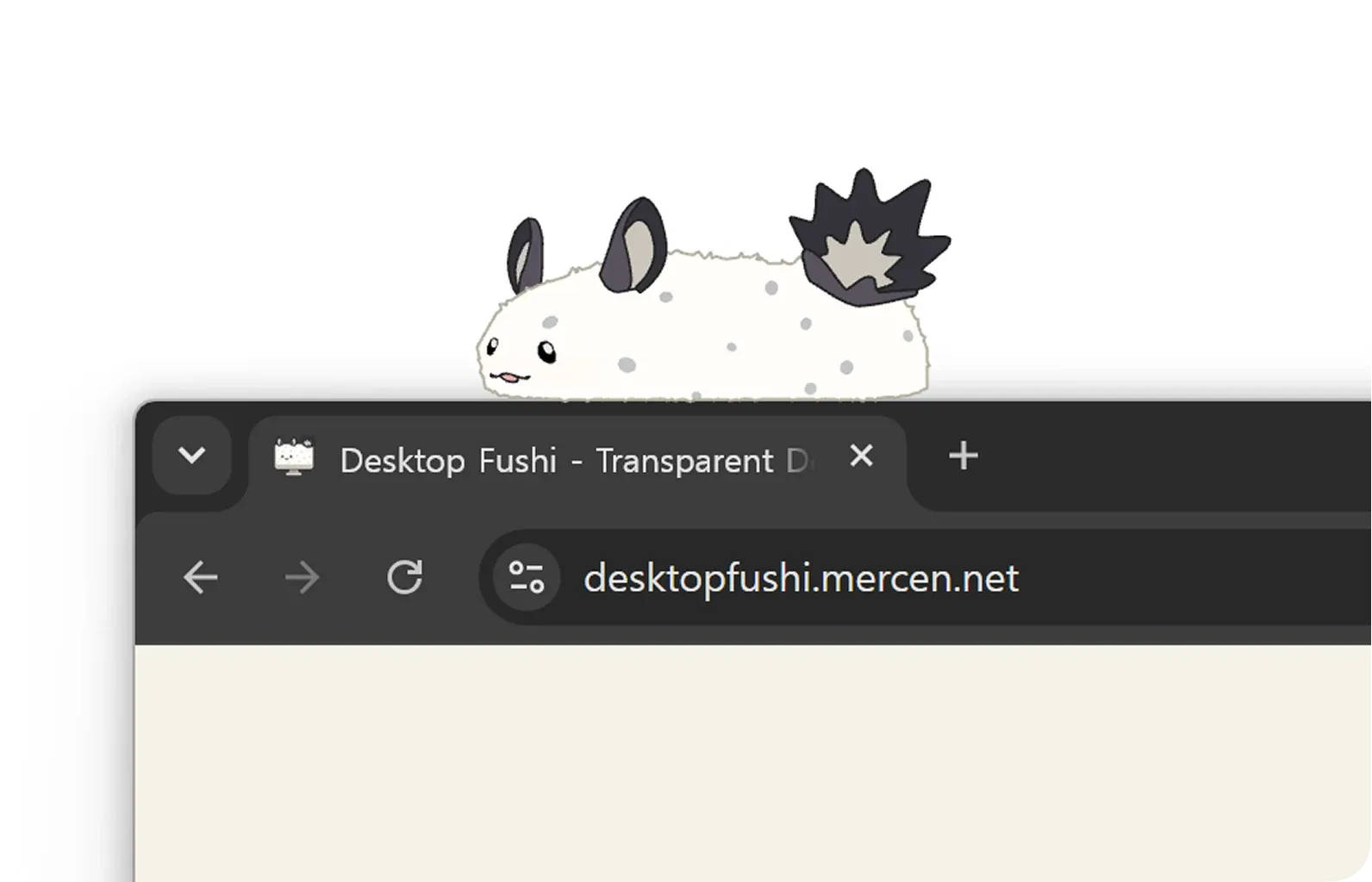
Desktop Fushi

A project that brings FUSHI, the mascot of Cosmic Princess Kaguya!, to life as a desktop pet

2026.06 ~
Desktop Fushi screenshot 1

Overview

Desktop Fushi is a personal project that implements the character FUSHI as a desktop pet that moves naturally across the user's workspace. Instead of placing the character inside a conventional application window, the project uses platform-specific graphics APIs and window layering to integrate FUSHI with the desktop itself.

My Role

  • Designed a desktop overlay architecture that accounts for both Windows and macOS.
  • Prototyped Direct2D rendering on Windows and Metal-based rendering on macOS.
  • Investigated desktop-pet-specific interactions including transparent windows, click-through behavior, animation-frame rendering, and screen-boundary handling.

Problems and Solutions

Problem

Unlike a conventional GUI application, a desktop pet depends on platform-specific behavior for background transparency, input events, window levels, and rendering timing.

Solution

Kept shared behavior in Rust while isolating platform graphics and window integration behind thin backend layers.

Problem

The character must feel present without interfering with the user's work.

Solution

Separated click-through and interactive states, and designed animation and position updates to avoid overloading the UI thread.

Quantified Results

  • Created an initial multi-backend architecture that accounts for rendering paths on both Windows and macOS.
  • Organized Direct2D and Metal integration within a single project architecture.
  • The project remains in active development, with platform-level technical validation prioritized over final performance measurements.

Windows 11 for Galaxy Tab 6 Lite

A project to install Windows 11 on ARM on the Exynos 9611-based Galaxy Tab S6 Lite

2026.05 ~

Overview

Windows 11 for Galaxy Tab 6 Lite is a porting project intended to run Windows 11 on ARM on an Exynos 9611-based Galaxy Tab S6 Lite. It is a low-level systems project that analyzes the Android tablet's boot chain, ACPI tables, drivers, and device-tree-like hardware information, then reshapes them into forms Windows can recognize.

My Role

  • Analyzed the target device's hardware configuration and boot flow.
  • Combined ACPI ASL, ARM64 assembly, C, and Python tooling to conduct the experiments required for a Windows on ARM port.
  • Built a repeatable validation workflow using ADB and a custom recovery environment to test images and configuration changes.

Problems and Solutions

Problem

Booting Windows on an Android device requires firmware, ACPI, and driver layers that differ substantially from those of a conventional PC.

Solution

Expressed hardware information through ACPI ASL and validated the minimum boot and device-initialization paths incrementally.

Problem

A failed boot does not immediately reveal whether the fault lies in the kernel, ACPI, storage, display, or a driver.

Solution

Used ADB, recovery, observable intermediate stages, and small image changes to create an iterative debugging workflow that narrows the failure point.

Quantified Results

  • Conducted low-level experiments to validate the feasibility of Windows 11 on ARM on the unconventional target of an Exynos 9611-based ARM64 tablet.
  • Documented a porting workflow that combines C, ARM64 Assembly, ACPI ASL, Python, WDK, and ADB.
  • The project remains in progress, prioritizing step-by-step validation of boot and device recognition over a completed feature set.

App Pilot

A SwiftUI WYSIWYG no-code service for building real iOS apps through touch and drag interactions

App Pilot screenshot 1
App Pilot screenshot 2
App Pilot screenshot 3

Overview

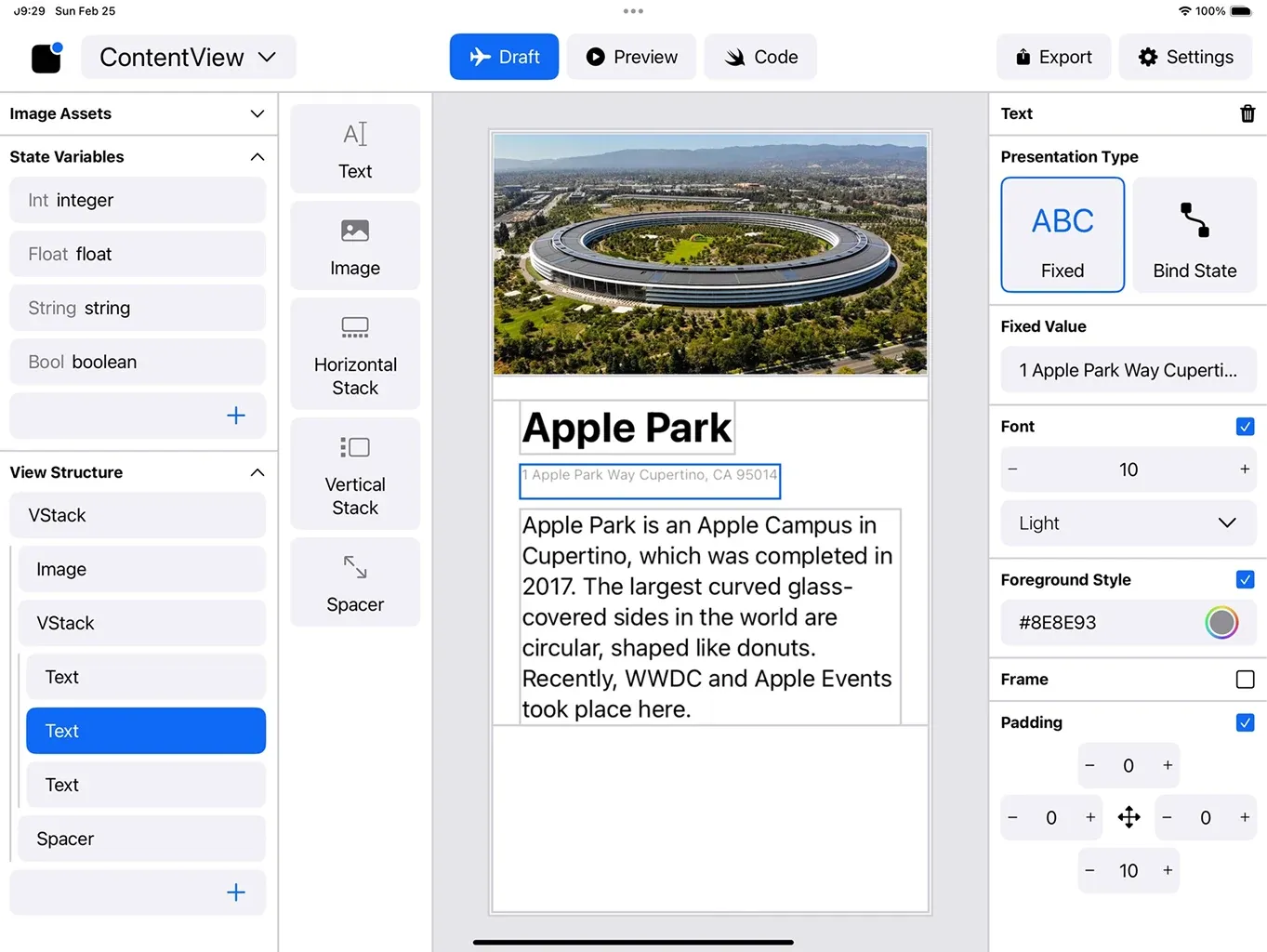
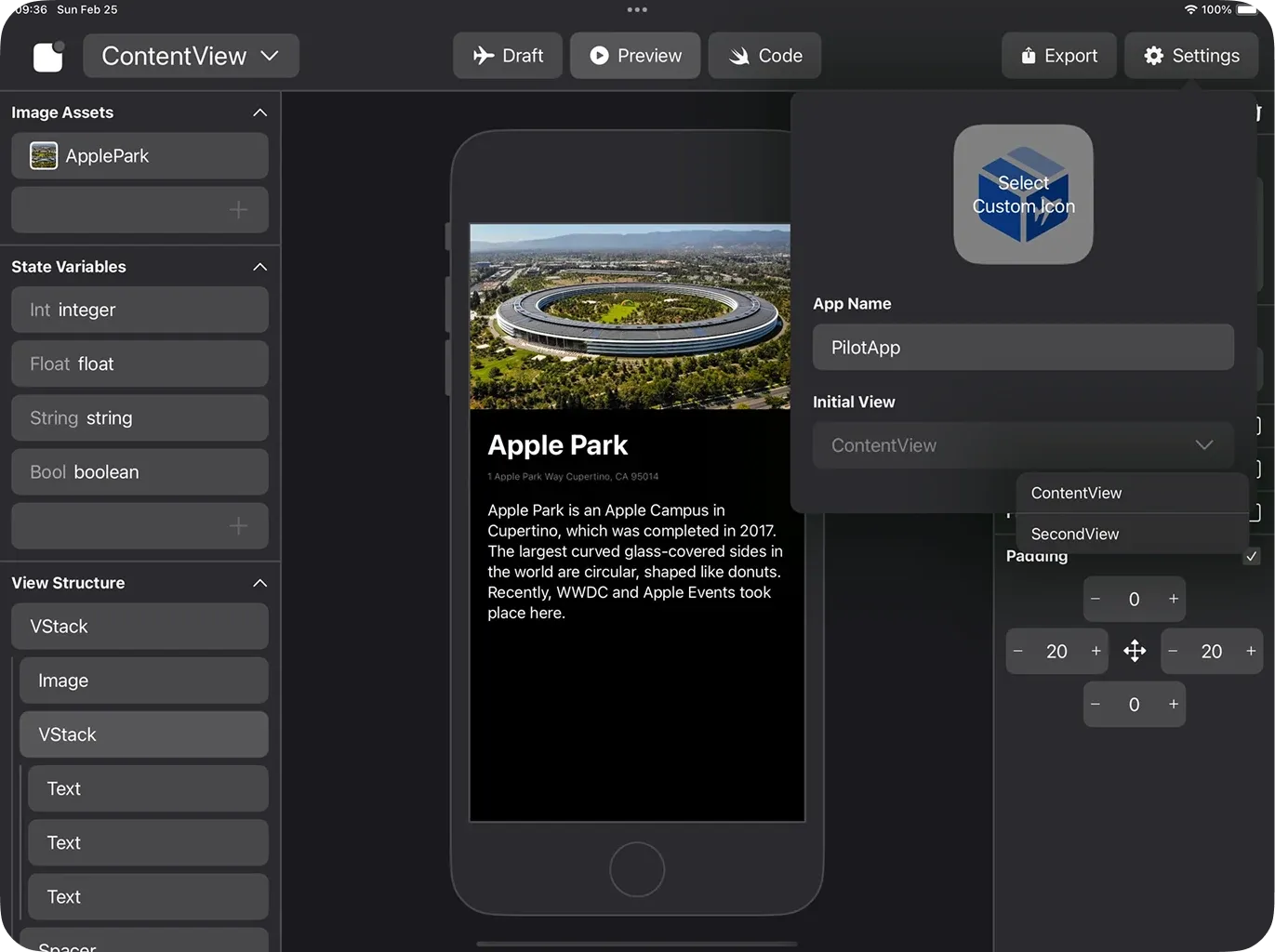
App Pilot is a no-code application development service that lets users combine components through touch and drag interactions to create a real iOS app. It was selected as a winner of the Apple WWDC Swift Student Challenge 2024 and was built as a WYSIWYG editor that runs inside Swift Playgrounds.

Rather than stopping at visual screen composition, the editor represents the user's layout through concepts aligned with SwiftUI code and exports it back into a runnable application.
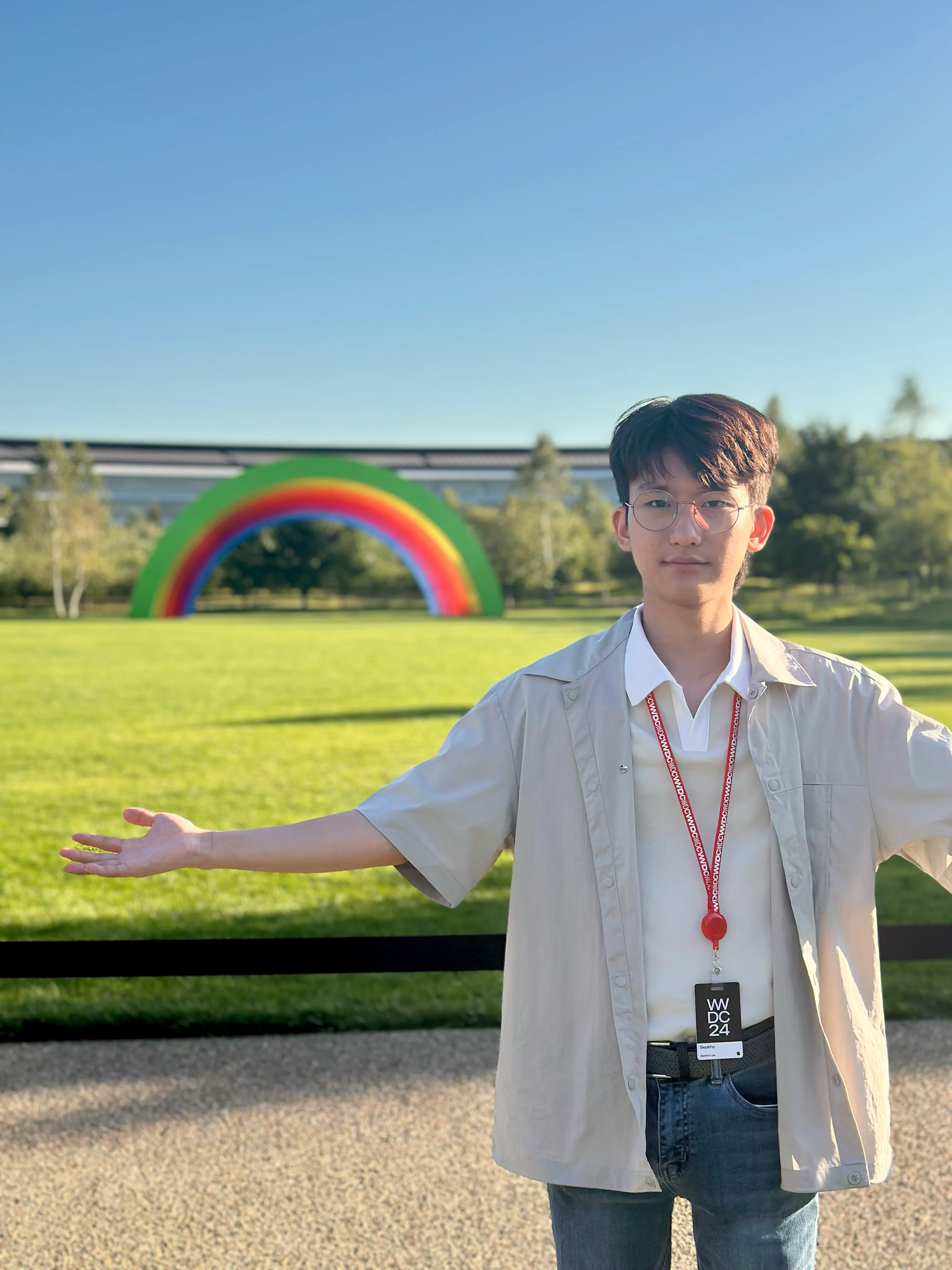
Following Allergist, this became my second Apple Swift Student Challenge win and led to an invitation to Apple Park during WWDC24.

My Role

  • Designed the entire application architecture and editor experience, then implemented it in SwiftUI.
  • Created proxy classes for major UI components such as Image, VStack, and Text to render user-authored work.
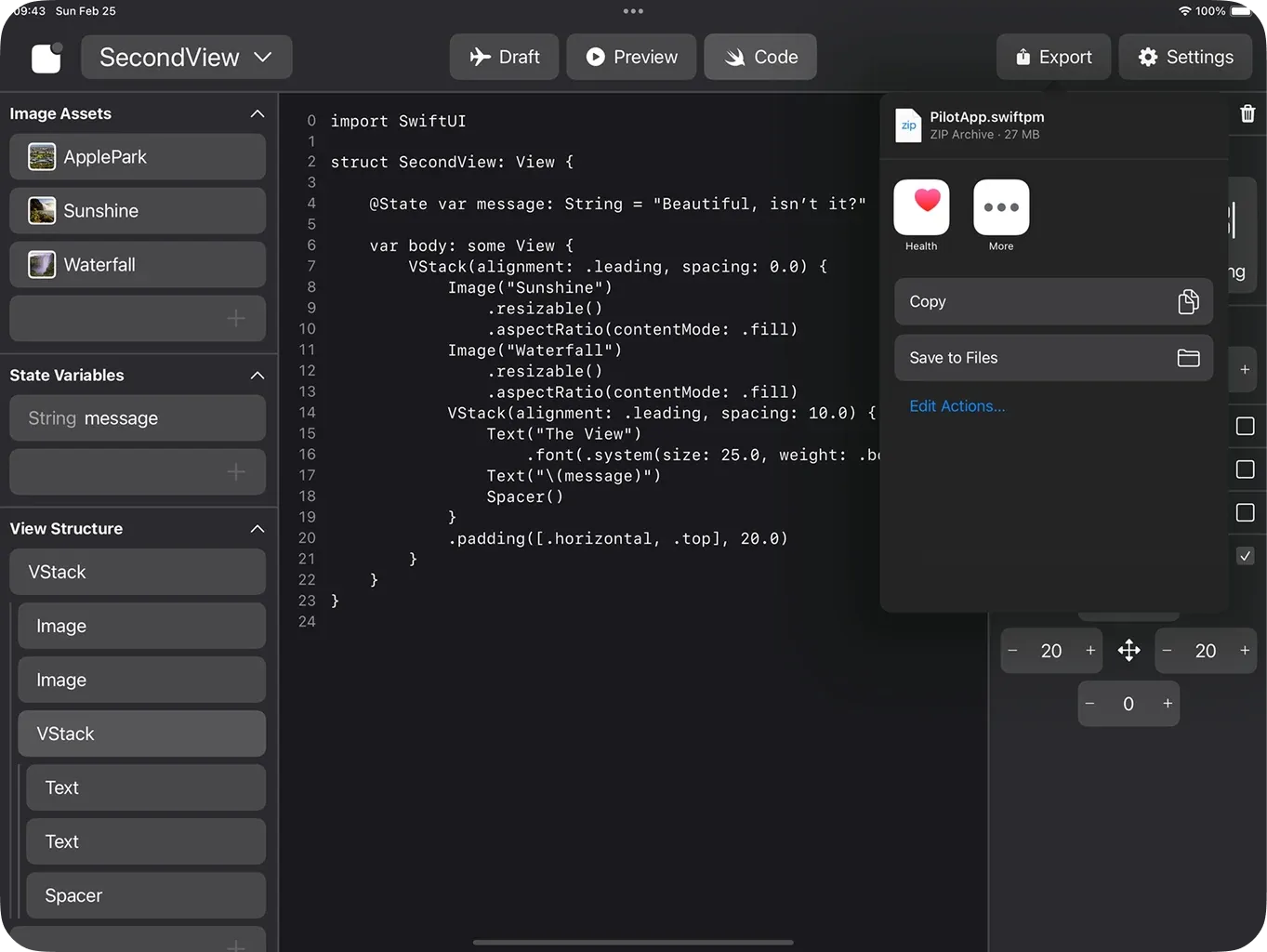
  • Analyzed the .swiftpm structure that Xcode can open and built an export feature that emits a user's application in the same format.
  • Connected preview and code generation into a complete experience in which the screen a user builds becomes a real app.

Problems and Solutions

Problem

SwiftUI's declarative view hierarchy had to be represented as a mutable, drag-driven editing document.

Solution

Separated every component into an internal model and proxy class, keeping editor state synchronized with rendered output.

Problem

A project generated inside Swift Playgrounds needed to reopen like an Xcode project.

Solution

Reverse-engineered the .swiftpm package structure and built an export pipeline that converts the user's view tree into Swift files and resources.

Quantified Results

  • Selected as a winner of the WWDC Swift Student Challenge 2024.
  • Achieved two consecutive Apple Swift Student Challenge wins.
  • Connected editing, preview, and code export in a single Swift Playgrounds project.
  • Reduced the cost of adding new components by separating rendering and export logic through a component proxy architecture.

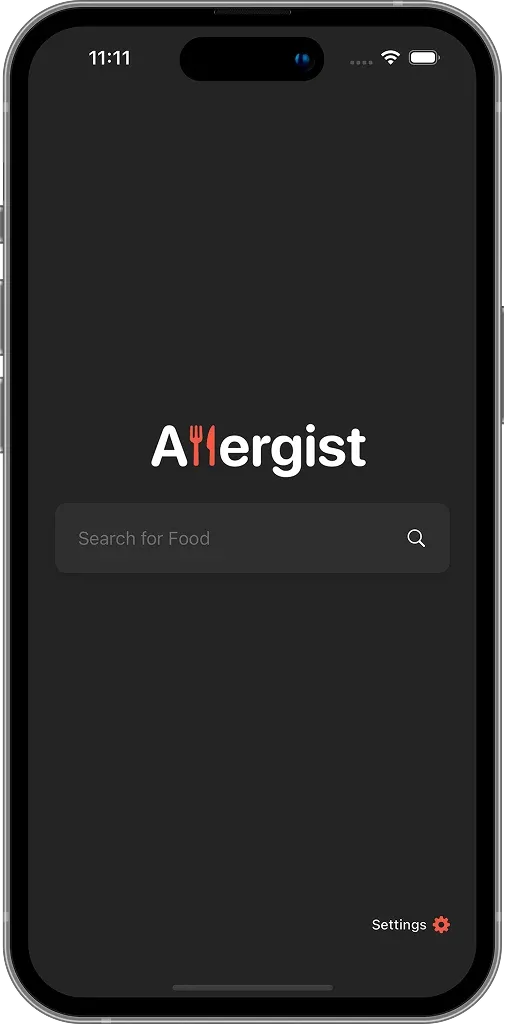
Allergist

An iOS service that checks food allergens against each user's allergy profile

Allergist screenshot 1
Allergist screenshot 2
Allergist screenshot 3

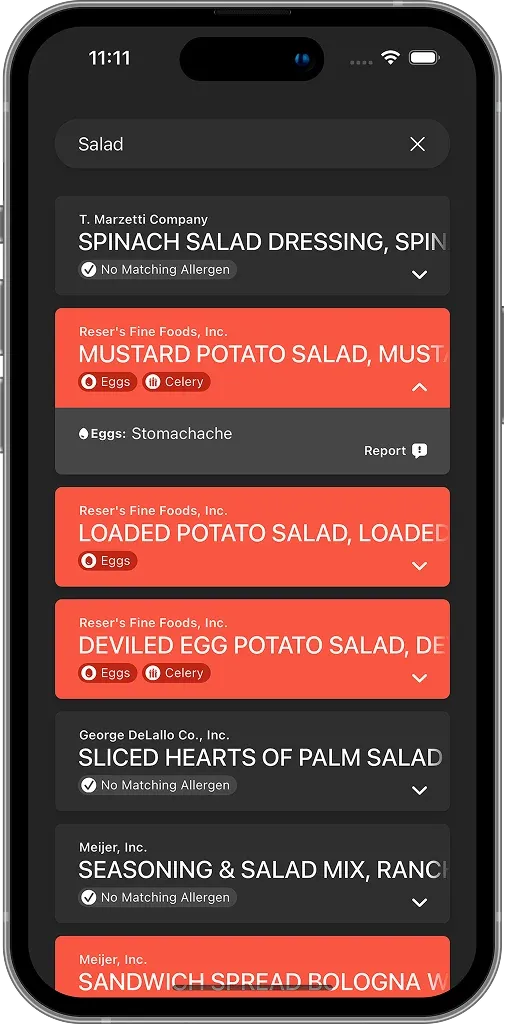
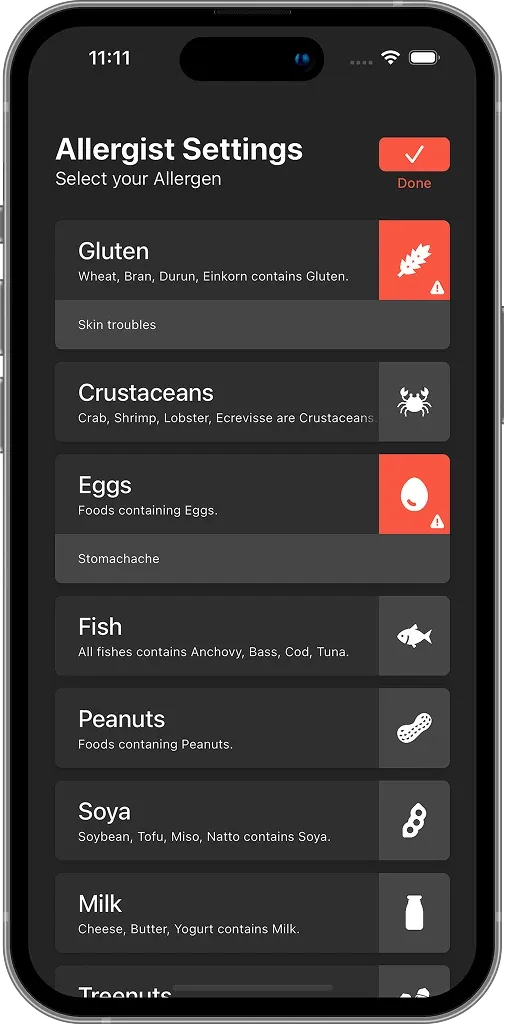
Overview

Allergist is an iOS service that lets users check food allergens against their personal allergy information. It grew out of my own experience living with food allergies and was selected as a winner of the Apple WWDC Swift Student Challenge 2023.

To fit the U.S. competition context, I used U.S. allergen classifications and wrote every user-facing string in English.

My Role

  • Designed the service concept, data model, search experience, and settings interface, then implemented the complete product in SwiftUI.
  • Built food-list exploration around each user's selected allergens so that risky items could be identified immediately.
  • Bundled the food dataset inside the app so the experience would work in the offline Swift Playgrounds environment.
  • Optimized the loading pipeline so the full dataset remained searchable within the competition's application size limit.

Problems and Solutions

Problem

The app had to process 558,728 food records offline while remaining within a 25 MB size limit.

Solution

Applied plist-based storage and data clustering, reducing initial loading time from roughly one minute to about three seconds.

Problem

Allergy information must be interpreted in the context of a user's personal settings rather than as a generic keyword search.

Solution

Separated food search from allergy configuration and highlighted each product's risks according to the active user profile.

Quantified Results

  • Processed 558,728 food records entirely within the application.
  • Reduced initial data loading from approximately one minute to approximately three seconds.
  • Selected as a winner of the WWDC Swift Student Challenge 2023.
  • Became the first project in a two-year run of Apple Swift Student Challenge wins that continued with App Pilot.

FlowKit

A push/pop-based navigation library for SwiftUI

2023.12 ~ 2025.12

Overview

FlowKit is a navigation library that brings explicit operations such as push, pop, popToRoot, replace, sheet, and alert to SwiftUI in a way that resembles UIKit's navigation stack. It began as a solution for reliable navigation in the complex Toongether application and was later packaged as a reusable Swift Package.

My Role

  • Designed an API that bridges SwiftUI's declarative view model with imperative navigation requirements.
  • Combined SwiftUI with UINavigationController to support iOS 13 and later.
  • Added dependency-based usage examples so navigation could be triggered from reducers in TCA (The Composable Architecture).
  • Prepared the README, installation instructions, and examples so the implementation could be used as a standalone package rather than an internal project utility.

Problems and Solutions

Problem

Early versions of SwiftUI's NavigationLink did not make it easy to control push and pop operations from anywhere in an application.

Solution

Separated responsibilities between the View and navigation controller through FlowPresenter, @Flow, and FlowProvider.

Problem

TCA-based projects sometimes need to trigger navigation side effects from reducers outside the View layer.

Solution

Designed dependency injection in the style of swift-dependencies, allowing reducers to access FlowProvider.

Quantified Results

  • Packaged the library as a Swift Package supporting iOS 13 and later.
  • Unified more than seven core navigation operations—including push, pop, popToRoot, replace, reload, sheet, and alert—behind one API.
  • Adopted by at least three school projects.

Story

An XML-based visual novel story format, parser, and StoryMaker GUI editor

2024.07 ~ 2025.12
Story screenshot 1

Overview

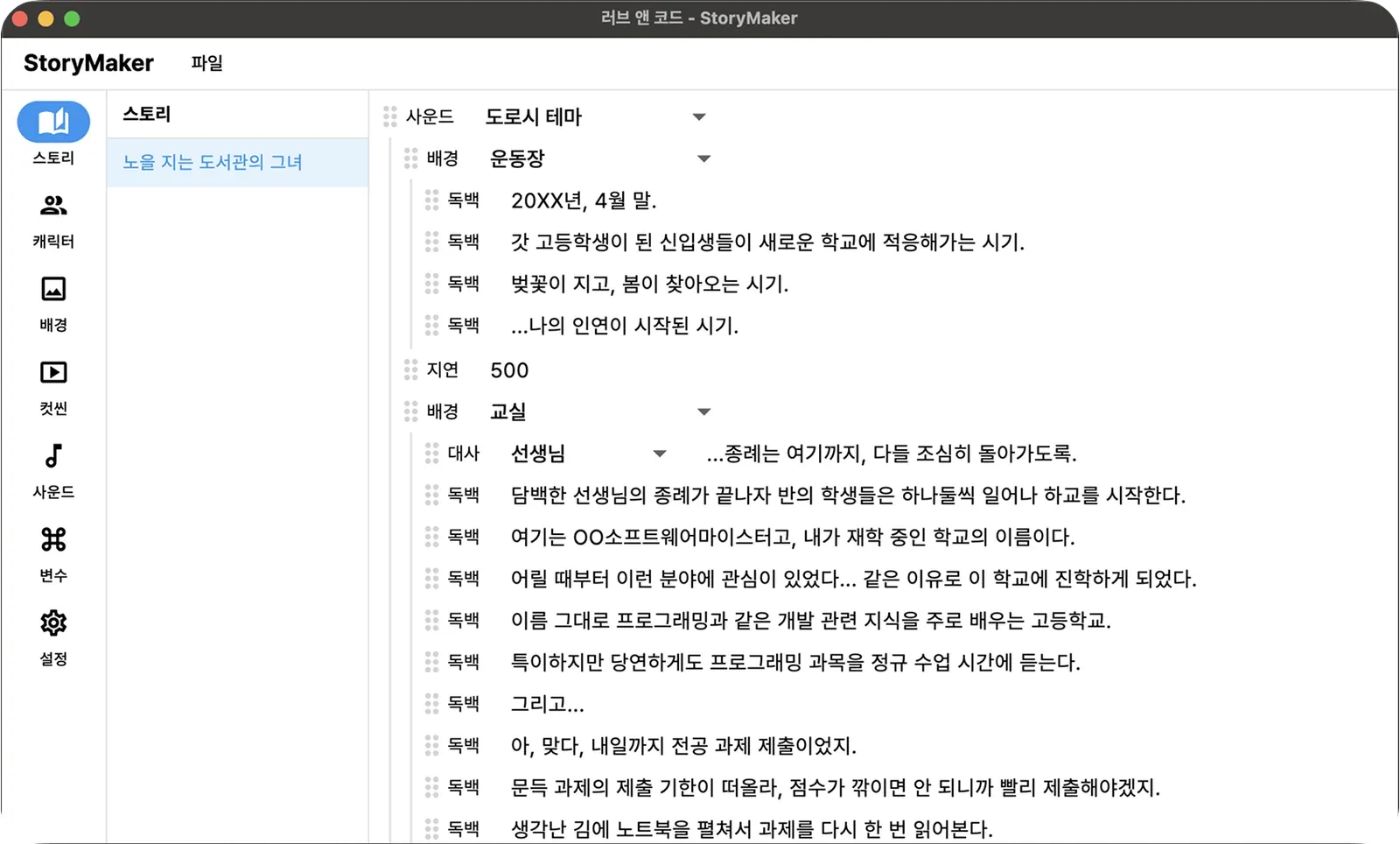
Story is a library for representing and processing visual-novel direction—including dialogue, backgrounds, effects, branches, and scene progression—through an XML-based format. I created it for Love & Code to support custom story presentation and effects, then expanded the workflow with a human-friendly StoryMaker GUI editor.

My Role

  • Defined Story's XML format around the scene data and commands required by a visual novel.
  • Built a library that parses XML files into structures the game runtime can execute.
  • Implemented the StoryMaker desktop GUI editor in Flutter so writers and developers would not need to edit XML by hand.
  • Designed the format to connect with the gameplay, special effects, and persona-conversation flow in Love & Code.

Problems and Solutions

Problem

A visual novel is not merely a list of dialogue; characters, backgrounds, effects, branches, and progress state all move together.

Solution

Separated story data into an XML structure, dividing content from rendering logic.

Problem

XML is precise for developers but burdensome for content authors to edit directly.

Solution

Built StoryMaker so users can manipulate scenes and commands through a GUI and save the result back to XML.

Quantified Results

  • Designed the format for actual story processing in Love & Code.
  • Validated the format, parser, and editing workflow together by delivering both a library and a GUI editor.
  • Improved game-development productivity by carrying even small supporting features through to a complete, usable state.

Amaze

A multiplatform, AI-friendly game engine implemented directly in Rust

2026.05 ~

Overview

Amaze is a multiplatform game engine built in Rust. Its documented scope includes in-house rendering and audio HALs, physics, networking, text shaping, ICU internationalization, OpenXR, an MCP server, and a shader compiler.

The goal is to support macOS, iOS, Windows, Linux, Android, and the web from a single source tree, while treating MCP and SKILL bundles as first-class capabilities so AI agents can work directly with the engine.

My Role

  • Defined the project's technical direction and workspace architecture.
  • Separated engine, platform, backend, and foundation crates to create an extensible structure for long-term development.
  • Clearly documented the intended scope of rendering, audio, physics, XR, networking, and MCP tooling, along with the distinction between implemented scaffolding and planned functionality.
  • Designed a developer experience centered on documentation, examples, and skill bundles that AI agents can understand and use.

Problems and Solutions

Problem

An engine that avoids large subordinate runtimes such as wgpu, winit, Bevy, Rapier, and SDL can quickly lose clarity around its implementation boundaries.

Solution

Split the engine core, platform runtimes, GPU and audio backends, and foundation features at the workspace level, while documenting planned and currently scaffolded capabilities separately.

Problem

A modern game engine must be usable not only by human developers but also by AI agents.

Solution

Included live MCP tooling, machine-readable documentation, and SKILL bundles in the product scope, defining engine operation and documentation discovery as automatable workflows.

Quantified Results

  • Defined a target platform matrix covering six operating-system runtimes, five GPU backends, and five audio backends.
  • Designed a workspace containing 22 examples and a skill bundle for AI agents.
  • Decomposed major engine capabilities—including determinism, XR, world streaming, networking, and MCP tooling—into crates that can be implemented and maintained over the long term.

Credentials and Scores

Industrial Engineer Information Processing

Passed Human Resources Development Service of Korea

TOEIC

815 points (LC 440, RC 375) ETS

TOEIC Bridge

100 points (Perfect Score) ETS

TOPCIT

570 points Institute for Information & Communications Technology Planning & Evaluation

Microsoft AI-900

Passed Microsoft

DIAT Spreadsheet

Advanced Korea Association for ICT Promotion

ITQ Hangul PowerPoint

Grade A Korea Productivity Center

GTQ Graphic Technology Qualification

Level 2 Korea Productivity Center